
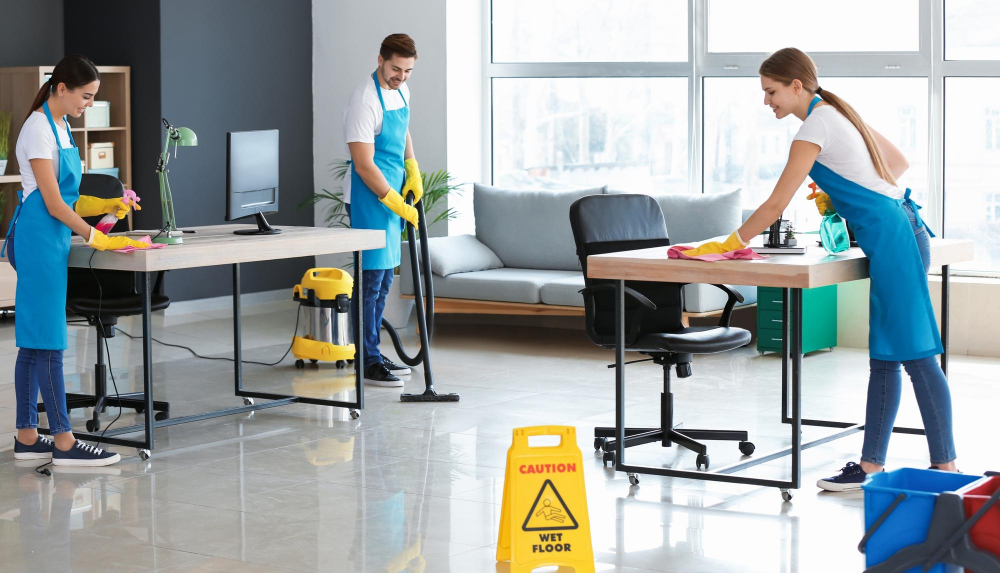
Office equipment cleaning in Canberra and Tuggeranong helps businesses maintain cleaner, more organised shared workstations. Regular maintenance removes dust, fingerprints, and everyday debris from accessible equipment surfaces. However, sensitive devices require suitable methods and careful handling.
Why Is Shared Office Equipment Cleaning Important?
Modern workplaces depend on equipment used by multiple employees. Printers, telephones, keyboards, and shared computers experience regular contact.
Consequently, these items can accumulate dust and visible marks.
Routine maintenance helps keep equipment clean and presentable. It also supports organised shared workspaces.
Important cleaning priorities include:
- Shared keyboards used throughout the working day.
- Office telephones handled by different employees.
- Printers and scanners located in communal areas.
- Computer monitors requiring suitable surface care.
- Meeting room equipment used during presentations.
Businesses should establish clear responsibilities for these items.
How Should Office Equipment Be Cleaned Safely?
Electronic equipment requires careful maintenance. Incorrect products or excessive moisture can cause damage.
Therefore, cleaning procedures should follow manufacturer instructions.
Keyboard and Mouse Cleaning
Keyboards collect dust and small particles between keys.
Suitable cleaning tools can help remove accessible debris.
Employees should avoid applying liquids directly to electronic components.
Mice also require appropriate surface cleaning.
Computer Monitor Cleaning
Computer screens may develop fingerprints and visible marks.
However, abrasive products can damage certain display coatings.
Use only cleaning methods recommended by the manufacturer.
Printer and Scanner Cleaning
Shared printers often collect dust around accessible surfaces.
External cleaning may be appropriate during routine maintenance.
Internal components should only receive manufacturer-approved servicing.
Can Regular Cleaning Improve Equipment Performance?
Dust accumulation can interfere with certain equipment under some conditions.
However, routine surface cleaning does not replace technical maintenance.
Businesses should follow recommended servicing schedules.
Damaged or malfunctioning devices require appropriate technical assessment.
What Should Canberra Offices Include in Cleaning Checklists?
Businesses in Canberra should identify equipment requiring routine attention.
A practical checklist may include:
- Wiping suitable external surfaces.
- Removing visible dust.
- Cleaning shared telephone surfaces.
- Maintaining accessible equipment areas.
- Reporting damaged devices.
Cleaning staff should understand equipment restrictions.
How Often Should Shared Equipment Be Cleaned?
Cleaning frequency depends on usage and workplace requirements.
Frequently shared devices may need regular attention.
Less frequently used equipment may follow weekly maintenance schedules.
Daily Equipment Cleaning
Daily tasks can focus on frequently touched external surfaces.
Weekly Maintenance
Weekly cleaning may address accessible equipment areas and accumulated dust.